
Quick load test
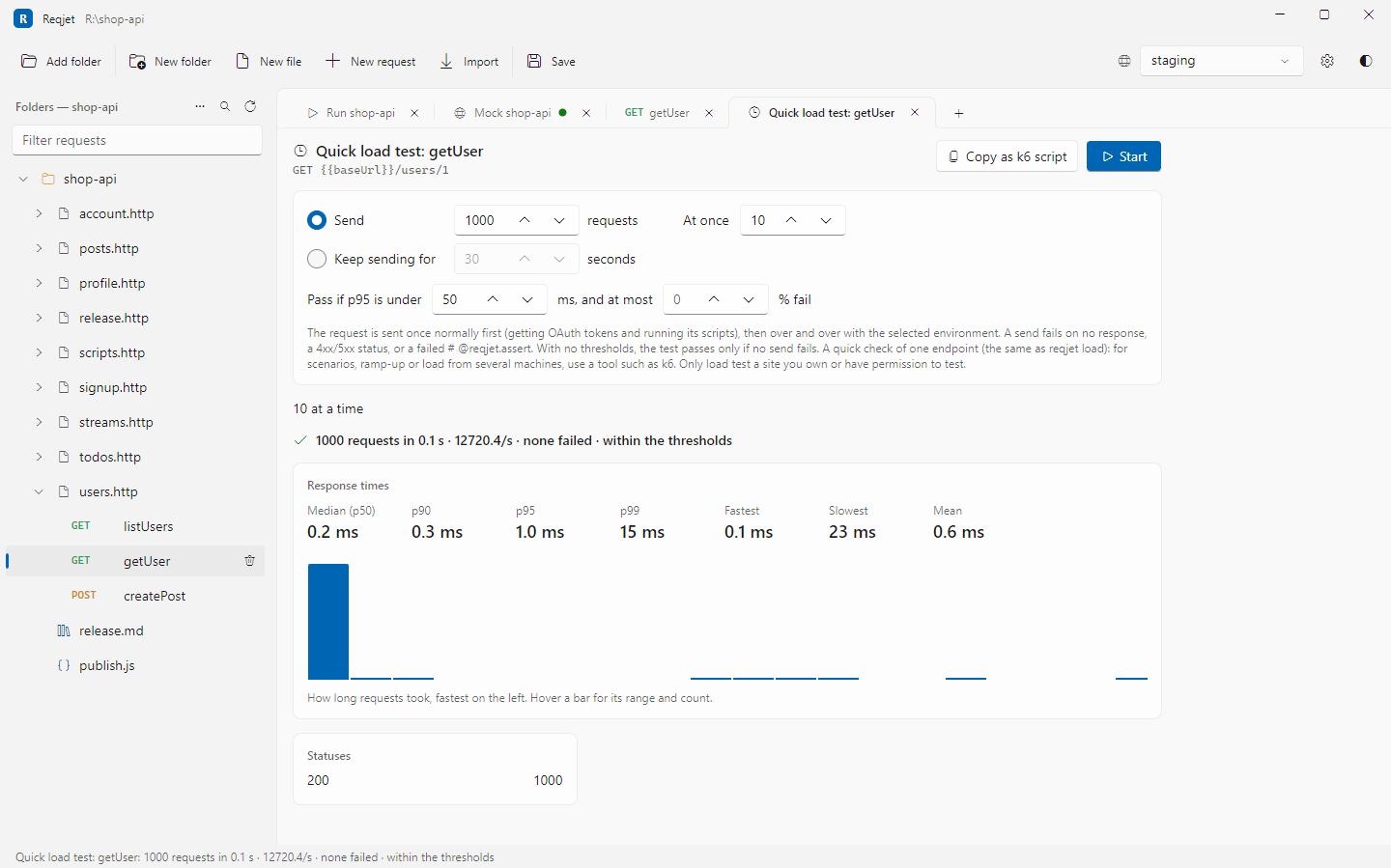
The quick load test sends one request over and over, several at once, and shows how the server copes. It answers questions such as “does it cope with 50 at once?” and “did my change make it slower?”.
Right-click a request and choose Quick load test….
Settings
Section titled “Settings”- How much: a number of requests, or a time to keep sending for.
- At once: how many requests to have in flight at the same time.
- Thresholds (optional): the slowest p95 to allow, and the highest percentage of failures. Without them, the test passes only if no request fails.
A request fails when there’s no response, the status is 4xx or 5xx, or one of its # @reqjet.assert tests fails.
Results
Section titled “Results”- Requests per second.
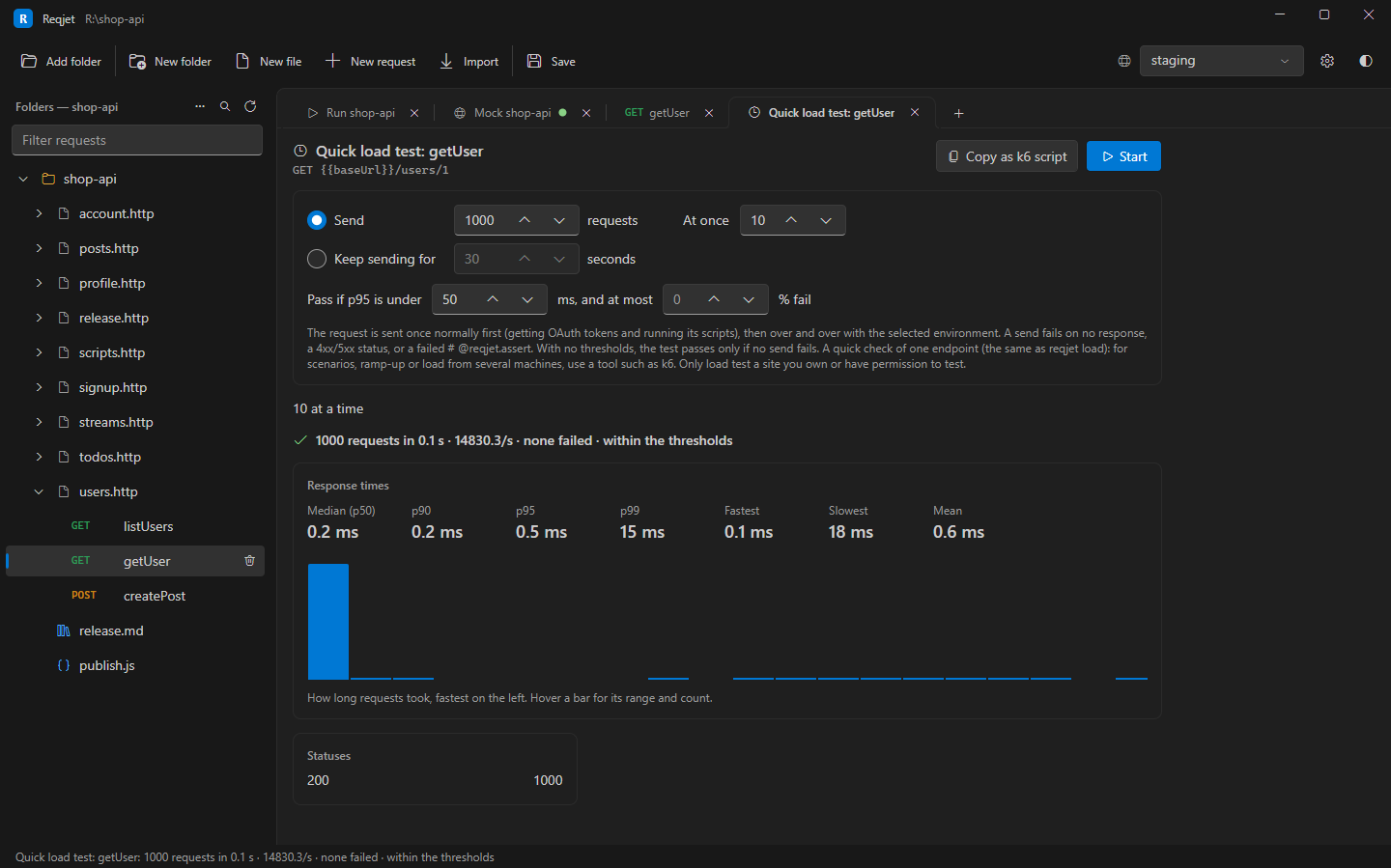
- Response times: median (p50), p90, p95 and p99, plus the fastest and slowest.
- A histogram of response times. Hover over a bar for its range and count.
- A count of each status.
- Why requests failed.
- Whether the test passed its thresholds.
How it sends
Section titled “How it sends”The request is sent once normally first. That gets OAuth tokens and runs its scripts, and the values they set
(client.global) are used for the rest. Scripts don’t run for each send, but built-in values such as {{$uuid}} and
{{$random.integer(1, 100)}} get a new value every time.
On the command line
Section titled “On the command line”reqjet load runs the same test, with the same settings, thresholds and results. Its exit code fails a CI build when
the API gets slower or less reliable:
reqjet load api/pets.http --name getPet -n 1000 -c 20 --env staging --max-p95 300ms --max-error-rate 1reqjet load api/pets.http --name getPet --duration 2m -c 50See Command line for every option.
When you need more
Section titled “When you need more”Copy as k6 script writes the same test, with its settings and thresholds, as a script for k6, a
dedicated load-testing tool. Nothing is sent to make it, though OAuth tokens and # @prompt values are fetched.
Values set by scripts aren’t included, because k6 runs its own JavaScript. On the command line, use --k6 <file>.
The quick load test is deliberately limited to one endpoint from one machine. It doesn’t do multi-step scenarios, ramp-up profiles or load from several machines, which tools such as k6, Gatling or NBomber do well. A busy client also skews its own timings, so treat the numbers as a guide.