
Data-driven runs
To send the same requests for many inputs, such as users, products or edge cases, put the inputs in a CSV or JSON
file and name it at the top of the .http file. Run all then goes through the file once per row, with the row’s
columns as {{variables}}.
# @reqjet.data ./users.csv
### Create the user# @reqjet.assert status == 201POST {{baseUrl}}/usersContent-Type: application/json
{ "username": "{{username}}", "role": "{{role}}" }
### Check their profile# @reqjet.assert status == 200# @reqjet.assert body.$.role == "{{role}}"GET {{baseUrl}}/users/{{username}}username,roleada,admingrace,editorThe data file
Section titled “The data file”- CSV needs a header row of names. Quoted values can hold commas, quotes (written
"") and new lines. - JSON is an array of objects, such as
[{ "username": "ada", "role": "admin" }]. Nested values arrive as JSON text.
Running it
Section titled “Running it”- Right-click the file (or its folder) and choose Run all requests. Each pass shows as its own group, such as “users.http · row 2 of 2 (grace, editor)”, in the Run tab, on the terminal and in JUnit reports.
- Sending one request on its own uses the first row, so its
{{variables}}have values while you work on it. - A row’s values override the file’s
@variablesand the environment. - Tests can use them too:
# @reqjet.assert body.$.role == "{{role}}"checks each row’s own value.
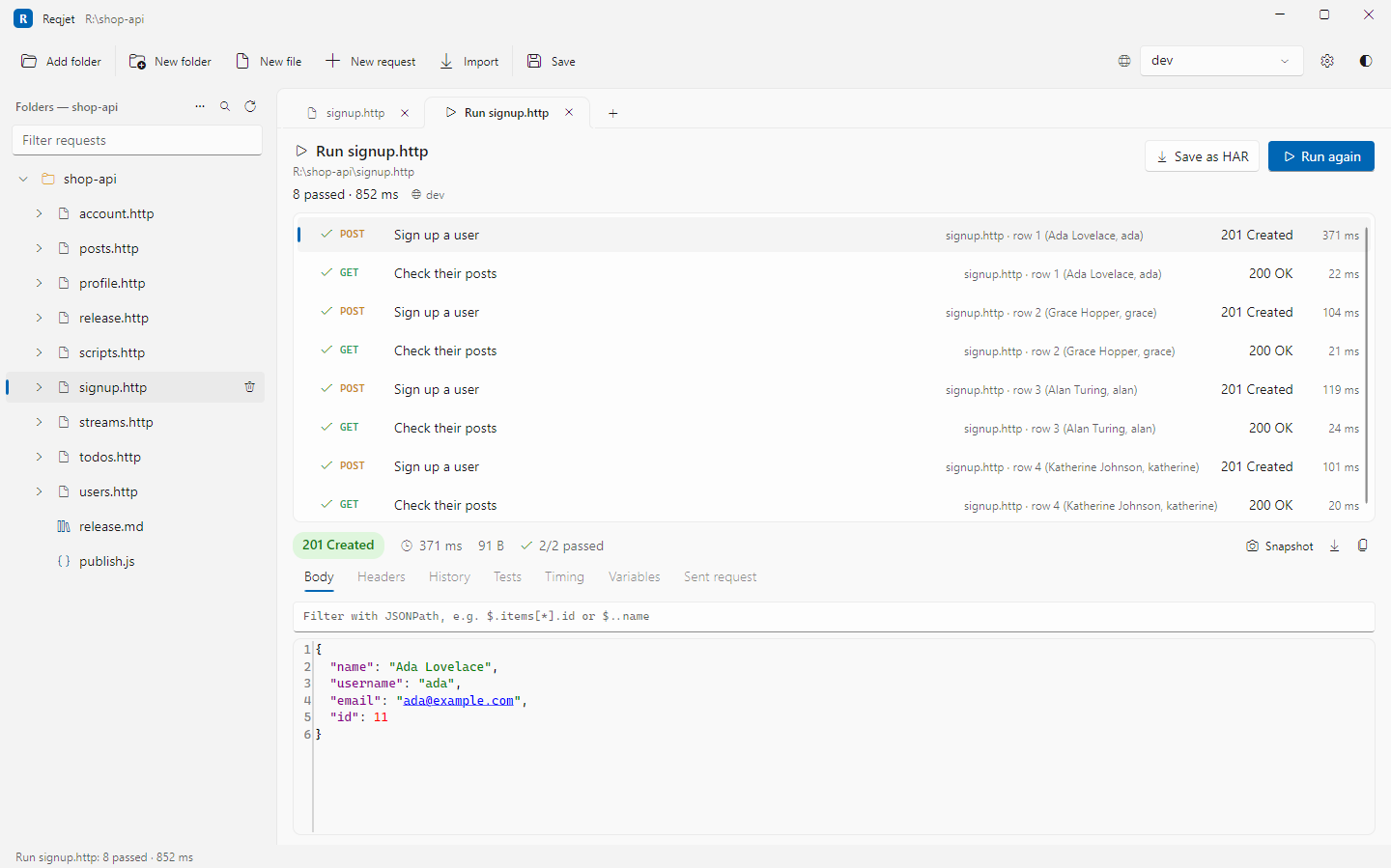
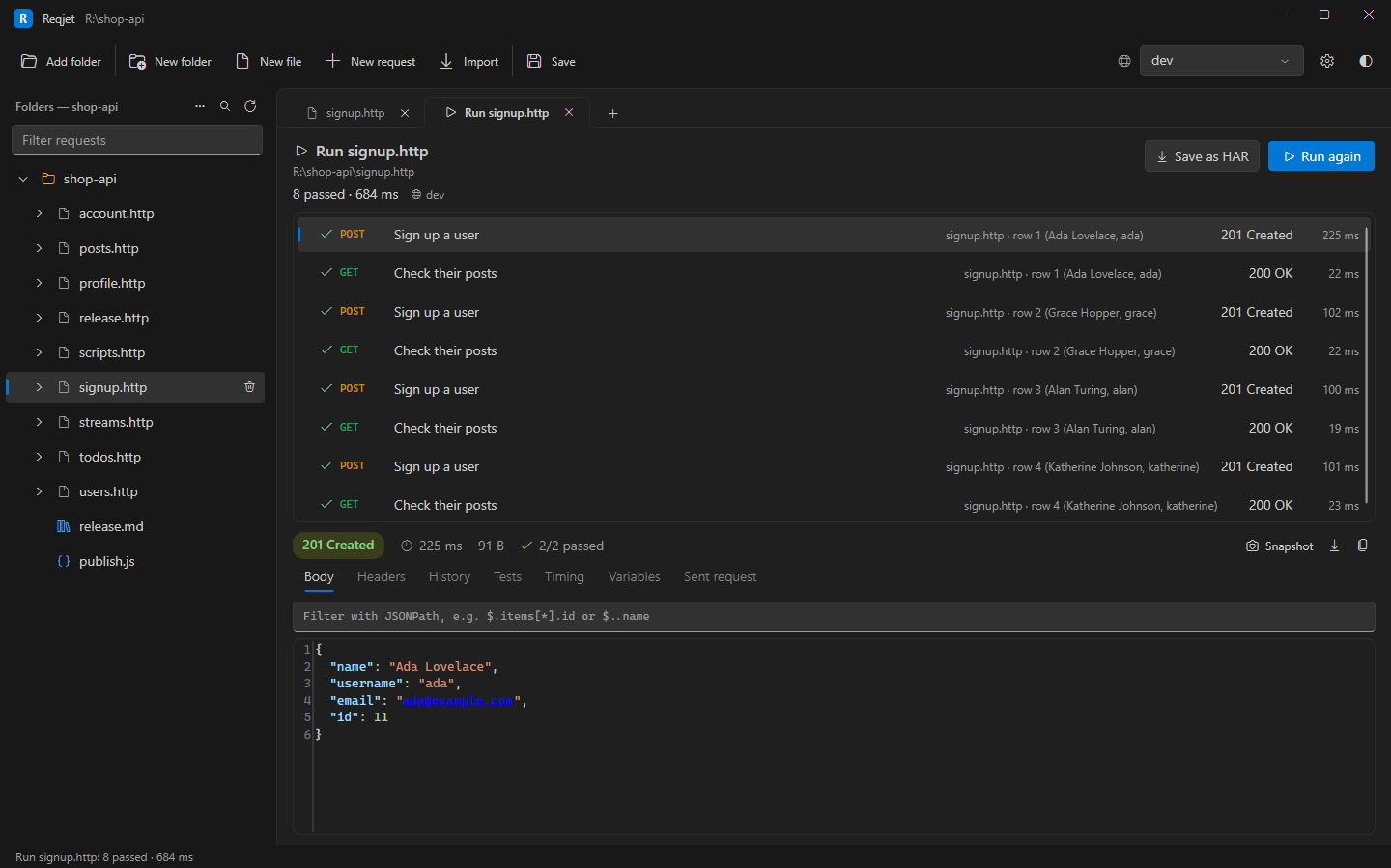
On the command line, reqjet run users.http does the same. --data uses a data file for every .http file it runs,
whether or not they name one, and --var still overrides a row’s values:
reqjet run api/users.httpreqjet run api/ --data cases.csv