
Finding things
Go to a request
Section titled “Go to a request”Ctrl+P finds a request, runbook or script by its name, URL, method or file, and opens it. Ctrl+Shift+O does the same within the file you’re in.
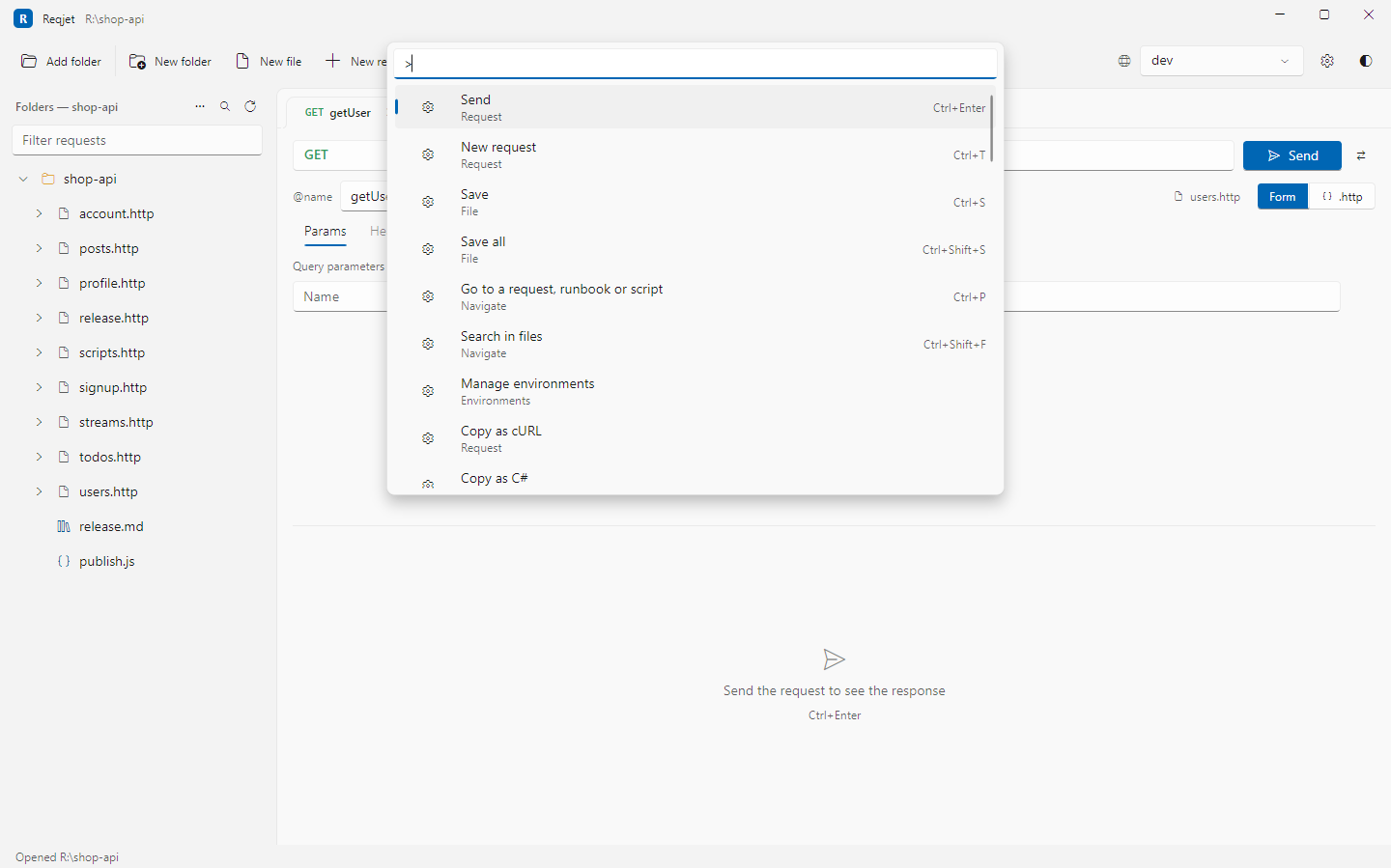
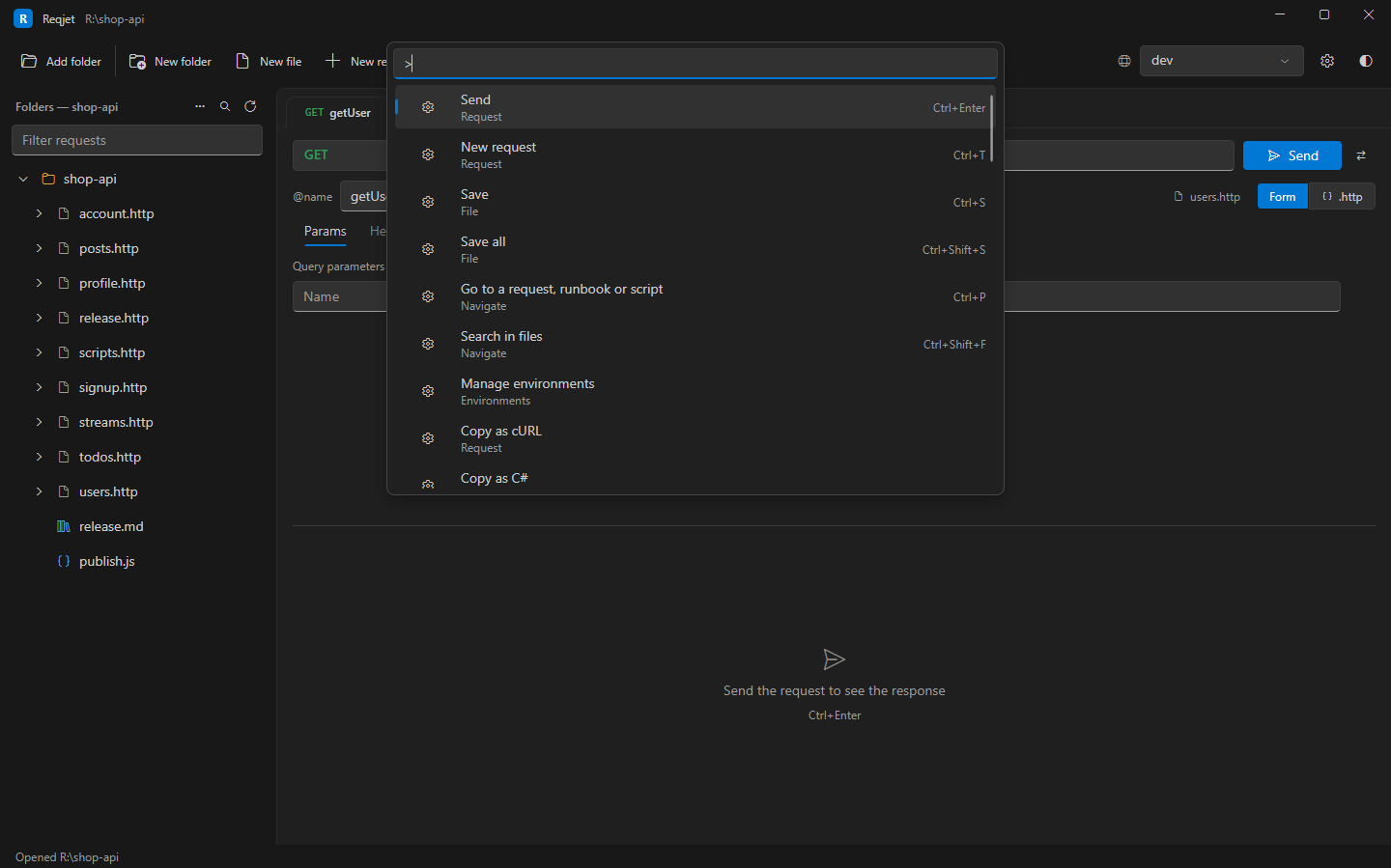
Command palette
Section titled “Command palette”Ctrl+Shift+P lists every action by name, such as Run all, Import, Copy as cURL or
Theme, with its shortcut. Typing > in Ctrl+P switches to it.
Search in files
Section titled “Search in files”Ctrl+Shift+F (or Search in files in the command palette) opens a Search tab that looks through the text of:
- every
.httpfile, script and runbook in the tree; - every other
.jsfile in the open folders, such as request handlers, which the tree doesn’t show; - unsaved edits too.
Use it to answer questions such as “which requests use {{tenantId}}?” or “where is X-Api-Version set?”.
- Matches are listed by file, with their line. Click one, or press Enter, to open the request it’s in, or the whole file for a line outside every request.
- Aa matches case, and .* takes a regular expression.
- Env files aren’t searched, because the private ones hold secrets. The Environments tab shows their values.