
WebSockets and server-sent events
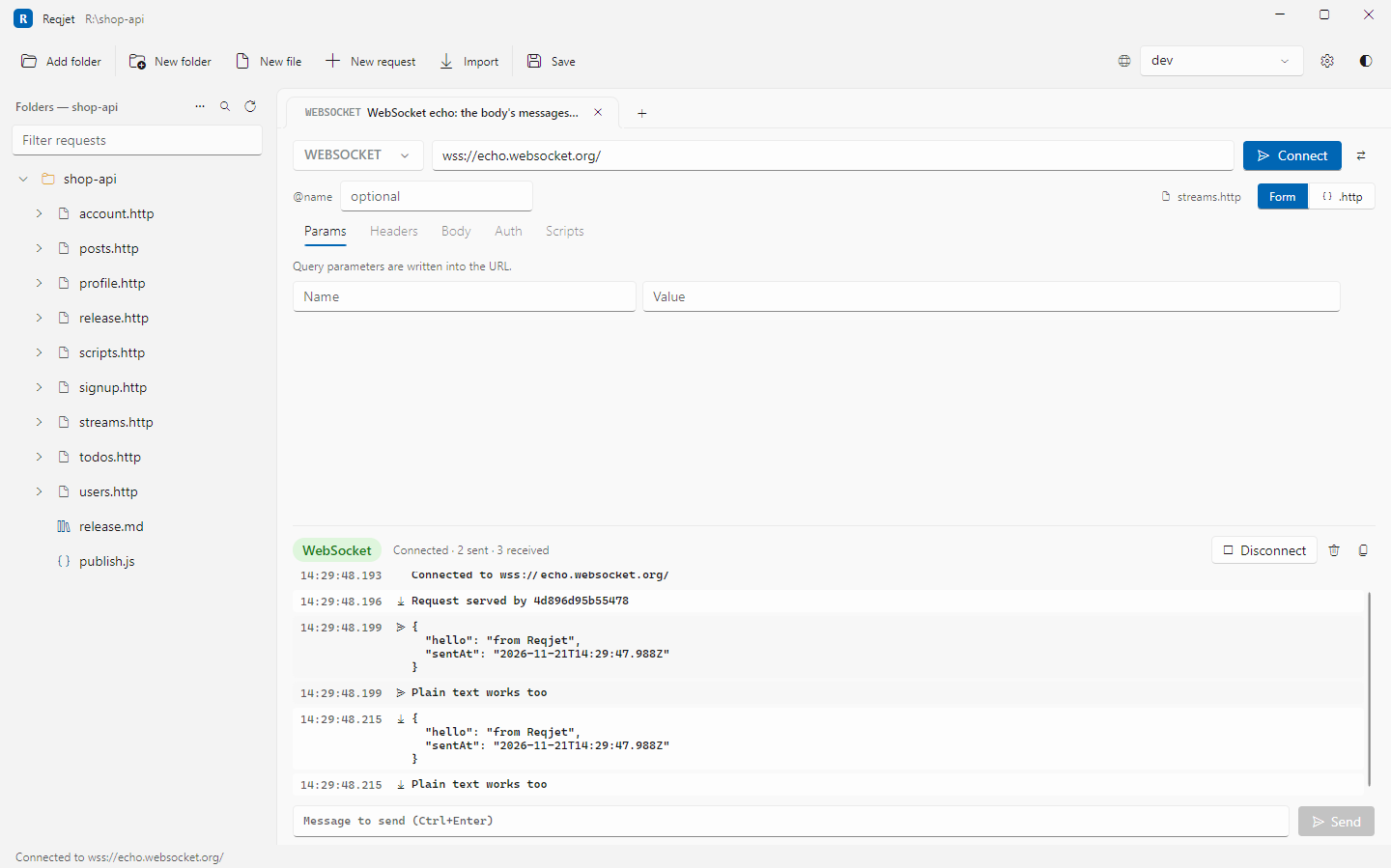
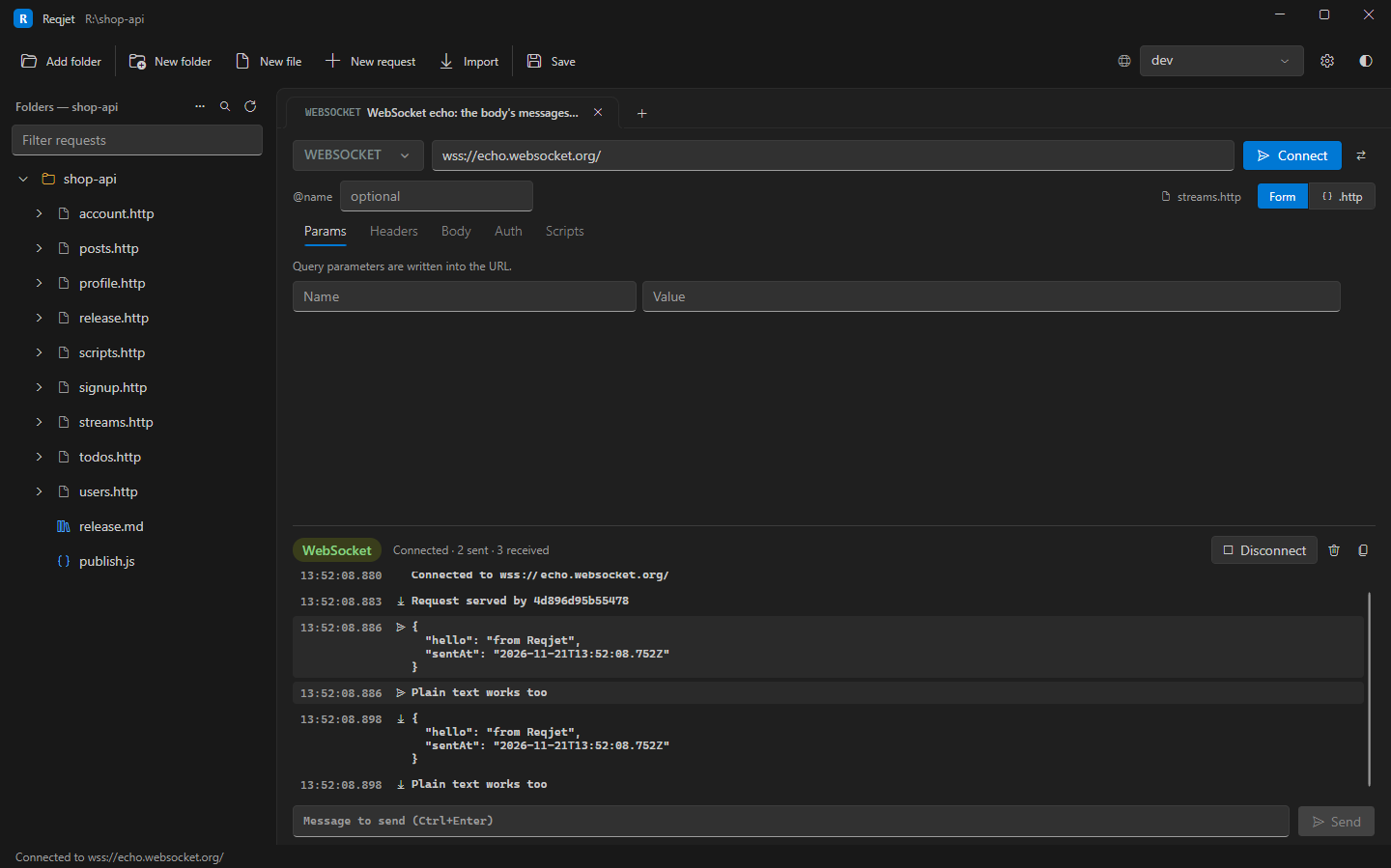
Streaming requests use the JetBrains syntax. Instead of Send, they have Connect, and the response area becomes a live log of messages, with Disconnect, Clear and Copy.
WebSockets
Section titled “WebSockets”### Price feedWEBSOCKET wss://feed.example.com/pricesAuthorization: Bearer {{$auth.token("my-api")}}
{ "subscribe": "EURUSD" }=== wait-for-server{ "subscribe": "GBPUSD" }- The body’s messages are sent in order once connected.
===separates them, and=== wait-for-serverwaits for a message from the server before sending the next one. - Type more messages in the box below the log and press Send (or Ctrl+Enter).
- JSON messages are shown indented.
- Headers,
Sec-WebSocket-Protocol, variables, OAuth tokens and the environment’s certificate settings all apply.
Server-sent events
Section titled “Server-sent events”### NotificationsGET {{baseUrl}}/notificationsAccept: text/event-streamAny request with Accept: text/event-stream is read as it arrives, one event per entry. Multi-line data: fields are
joined, and the event: type is shown.
In runs and scripts
Section titled “In runs and scripts”Streams stay open until you disconnect, so Run all and reqjet run skip them, reporting them as not run, rather
than waiting forever. Script files can’t send them.