
Copy as code
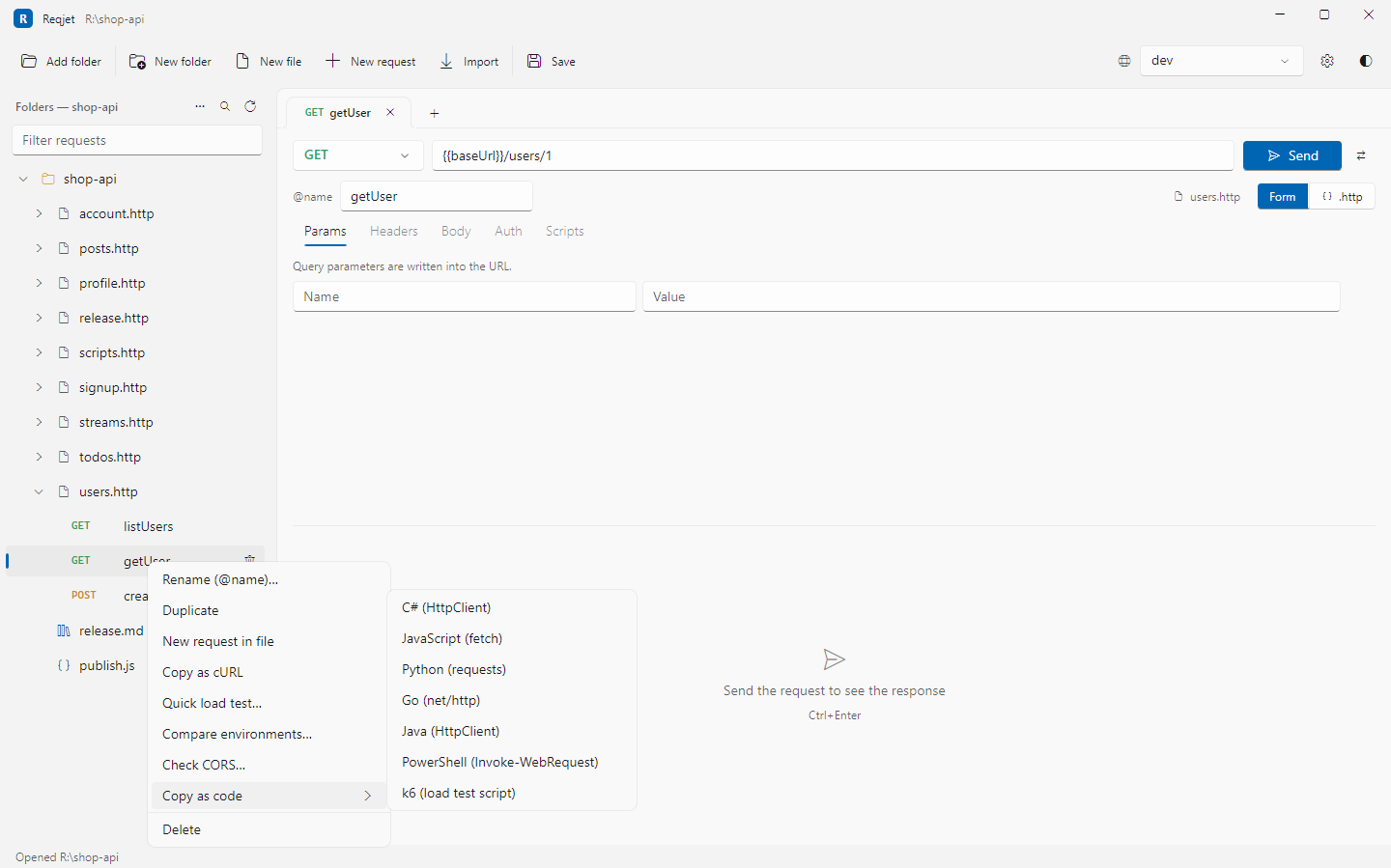
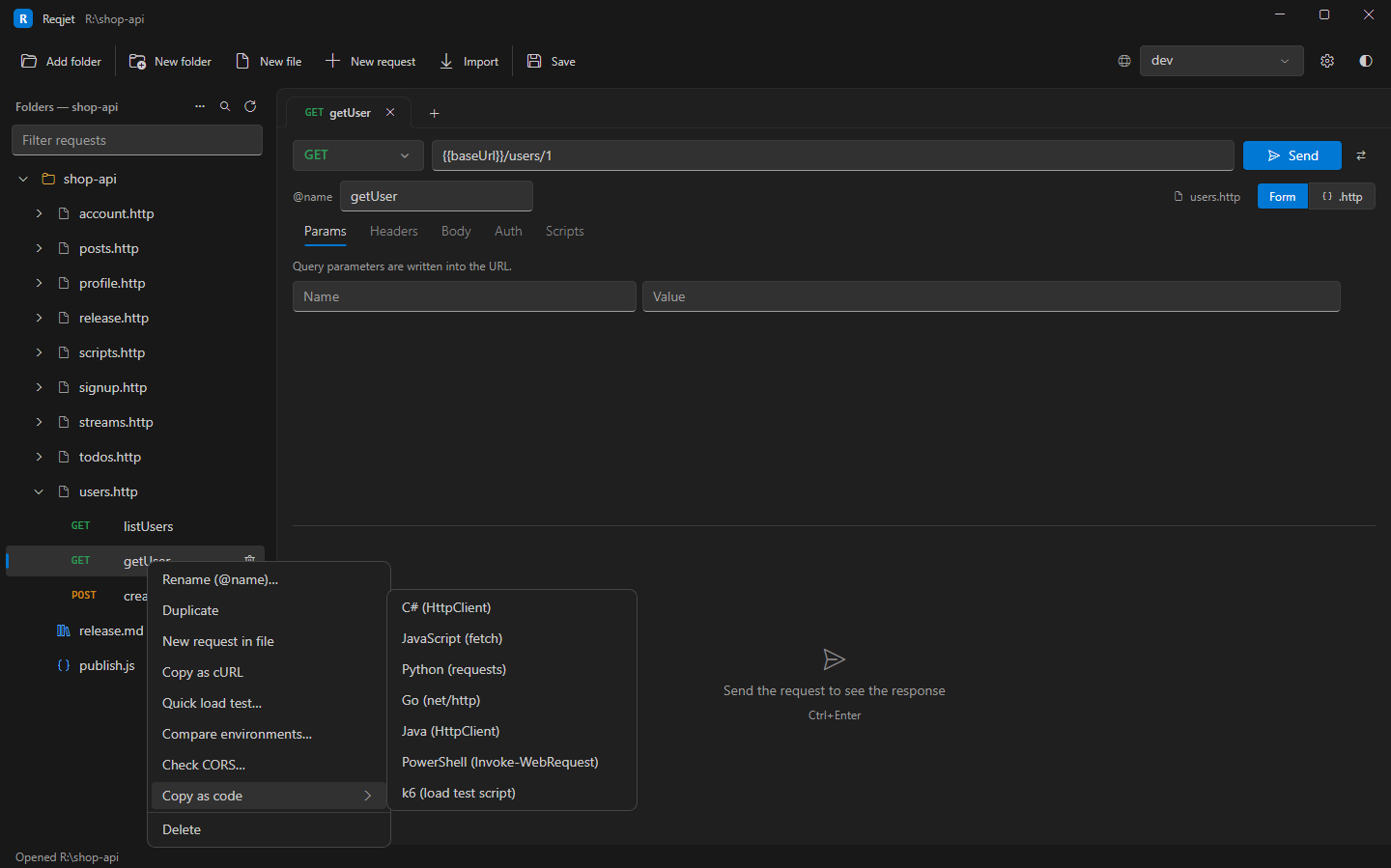
Right-click a request, either its tab or its row in the tree, and choose:
- Copy as cURL, for a curl command.
- Copy as code, then a language:
| Language | Uses |
|---|---|
| C# | HttpClient |
| JavaScript | fetch |
| Python | requests |
| Go | net/http |
| Java | HttpClient |
| PowerShell | Invoke-WebRequest |
| k6 | A load test script (see Quick load test) |
Variables are filled in with the selected environment’s values, so the code runs as it is. # @prompt values use
your last answers.
- In curl commands, Digest, AWS and Windows sign-in become curl’s own options:
--digest,--aws-sigv4,--ntlmand--negotiate, and multipart uploads become-Foptions. - Server-certificate and client-certificate settings come along, but a certificate’s passphrase is never written out.
The command palette (Ctrl+Shift+P) has the same commands for the request you’re in.