
Signing in
Reqjet supports these sign-in schemes. Each is written in the same form JetBrains IDEs or VS Code REST Client use, so your files keep working in those tools. You can type them, or choose them on a request’s Auth tab, which writes the header for you.
| Scheme | Written as |
|---|---|
| OAuth 2.0 | Authorization: Bearer {{$auth.token("my-api")}}, with a profile in the env files |
| Basic | Authorization: Basic {{user}}:{{password}} |
| Digest | Authorization: Digest {{user}} {{password}} |
| AWS Signature V4 | Authorization: AWS {{accessKey}} {{secretKey}} |
| Windows (NTLM, Kerberos) | Authorization: Negotiate, or Authorization: NTLM DOMAIN\user {{password}} |
| API keys and fixed tokens | An ordinary header, such as X-Api-Key: {{apiKey}} or Authorization: Bearer {{token}} |
Keep the secrets themselves in your private env file. The Sent request tab and HAR files show what was actually sent, not your password or secret key as written.
OAuth 2.0
Section titled “OAuth 2.0”OAuth profiles live in the environment files, in the format JetBrains IDEs use. A request uses a profile’s token with
{{$auth.token("id")}}. Reqjet gets the token when the request is sent, keeps it for the session, and refreshes it
when it expires, using the refresh token when there is one.
{ "dev": { "Security": { "Auth": { "my-api": { "Type": "OAuth2", "Grant Type": "Client Credentials", "Token URL": "https://login.example.com/oauth/token", "Client ID": "reqjet", "Scope": "orders:read", "Custom Request Parameters": { "audience": "https://api.example.com" } } } } }}{ "dev": { "Security": { "Auth": { "my-api": { "Client Secret": "…" } } } }}GET {{baseUrl}}/ordersAuthorization: Bearer {{$auth.token("my-api")}}Grant types
Section titled “Grant types”Grant Type |
Also needs | How it signs in |
|---|---|---|
Client Credentials |
Token URL, Client ID, Client Secret |
As the application, with no one at the keyboard. |
Password |
Token URL, Client ID, Username, Password |
With a user name and password. |
Authorization Code |
Auth URL, Token URL, Client ID |
Opens your browser to sign in, and catches the redirect on this machine. Uses PKCE. The Auth URL must be https://, or http:// to this machine. |
Settings
Section titled “Settings”| Setting | What it does |
|---|---|
Scope |
The scopes to ask for. |
Redirect URL |
For authorization code: where the provider sends you back. The default is http://localhost:8765/callback, which must be registered with the provider. |
PKCE |
false turns PKCE off, for providers that don’t support it. |
Client Credentials |
How the client proves itself to the token endpoint: basic (the default), in body, or none. |
Custom Request Parameters |
Extra values added to the sign-in and token requests, such as Auth0’s audience. |
- Settings can use
{{variables}}. - The private file’s settings override the shared file’s, one by one, so the client secret stays out of git.
{{$auth.idToken("id")}}gives the OpenID Connect ID token instead of the access token.
On the Auth tab
Section titled “On the Auth tab”Choosing OAuth2 on a request’s Auth tab lists the selected environment’s profiles and writes the header. It shows how long the token has left, with Get new token to sign in again, and Clear. Tokens are kept per environment, in memory only.
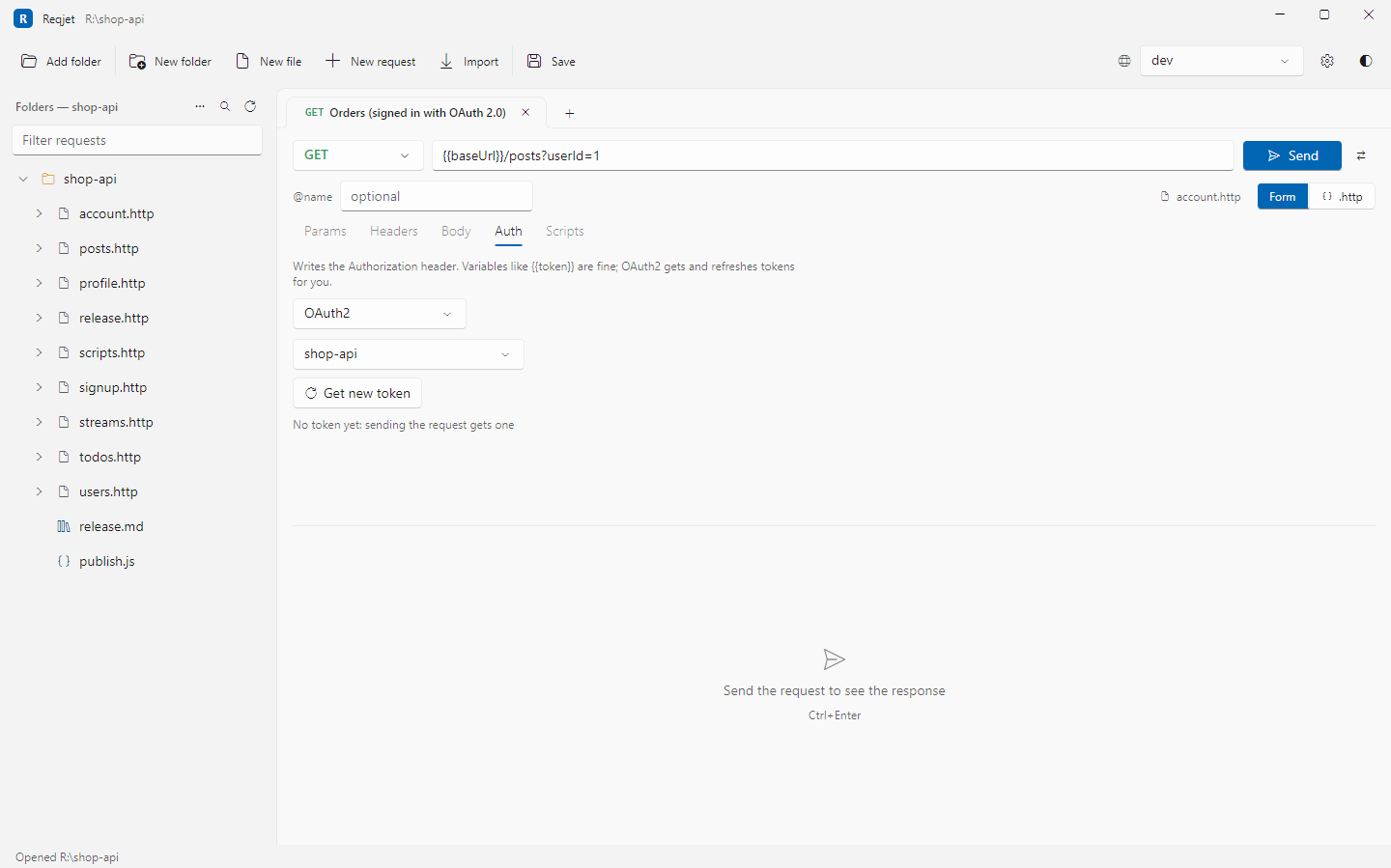
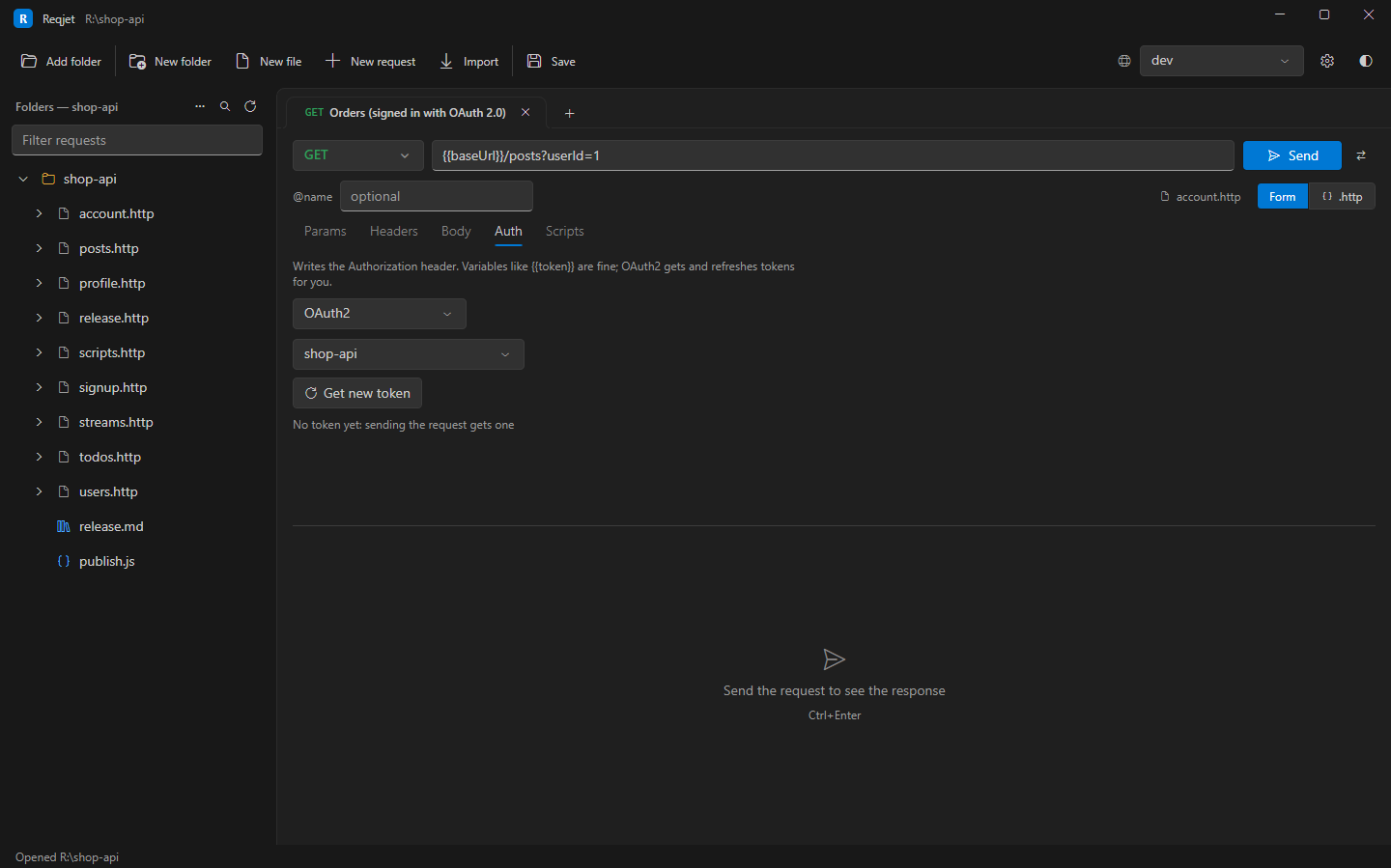
The command line gets tokens the same way. Client credentials and password need no one at the keyboard; authorization code opens a browser.
Authorization: Basic {{user}}:{{password}}The user name and password are Base64-encoded when the request is sent. Basic {{user}} {{password}}, with a space,
works too.
Digest
Section titled “Digest”GET https://intranet.example.com/reportsAuthorization: Digest {{user}} {{password}}The request is sent without credentials first, then answered when the server challenges, with MD5 or SHA-256.
AWS Signature Version 4
Section titled “AWS Signature Version 4”GET https://abc123.execute-api.eu-west-1.amazonaws.com/prod/petsAuthorization: AWS {{awsAccessKey}} {{awsSecretKey}} token:{{awsSessionToken}}- The region and service are worked out from AWS host names. For other hosts, such as a custom domain, give them:
Authorization: AWS {{awsAccessKey}} {{awsSecretKey}} region:eu-west-1 service:execute-api. token:is for temporary credentials, such as those from an assumed role.
Windows sign-in
Section titled “Windows sign-in”### As you (Kerberos, or NTLM)GET https://intranet.example.com/api/meAuthorization: Negotiate
### As someone elseGET https://intranet.example.com/api/meAuthorization: NTLM CORP\ann {{password}}- On Linux and macOS, Windows sign-in goes through the system’s Kerberos (GSSAPI). Signing in as you needs a ticket,
from
kinit you@YOUR.REALMor Ticket Viewer on macOS. NTLM with a user name on Linux needs thegss-ntlmssppackage. A failed sign-in’s 401 explains which applies. - Windows sign-in isn’t available in the browser version.
Already computed
Section titled “Already computed”A header that’s already complete, such as Digest username="…", AWS4-HMAC-SHA256 … or an NTLM token, is sent as
written.
Copy as cURL turns these schemes into curl’s own options: --digest, --aws-sigv4, --ntlm and --negotiate.