
Tests
A test is a check on a response that runs every time the request is sent: “the status is 200”, “the body has the name I sent”, “the response still matches the snapshot”. Each one passes or fails.
Where tests are written
Section titled “Where tests are written”Tests are part of the .http file, so they’re shared with the requests, reviewed with them, and run wherever the
requests run. A request’s tests can be any mix of:
| Kind | Written as | Added by |
|---|---|---|
| Assertions | # @reqjet.assert status == 200 |
Right-clicking a response value, or typing it |
| Snapshot | # @reqjet.snapshot |
The Snapshot button |
| OpenAPI contract | # @reqjet.openapi ./openapi.yaml at the top of the file |
Typing it |
| Script tests | client.test("name", () => client.assert(…)) in a response handler |
Typing it |
### Get a pet# @reqjet.assert status == 200GET {{baseUrl}}/pets/7
> {%  client.test("Has a name", function () {    client.assert(response.body.name, "no name in " + response.text);  });%}
Seeing the results
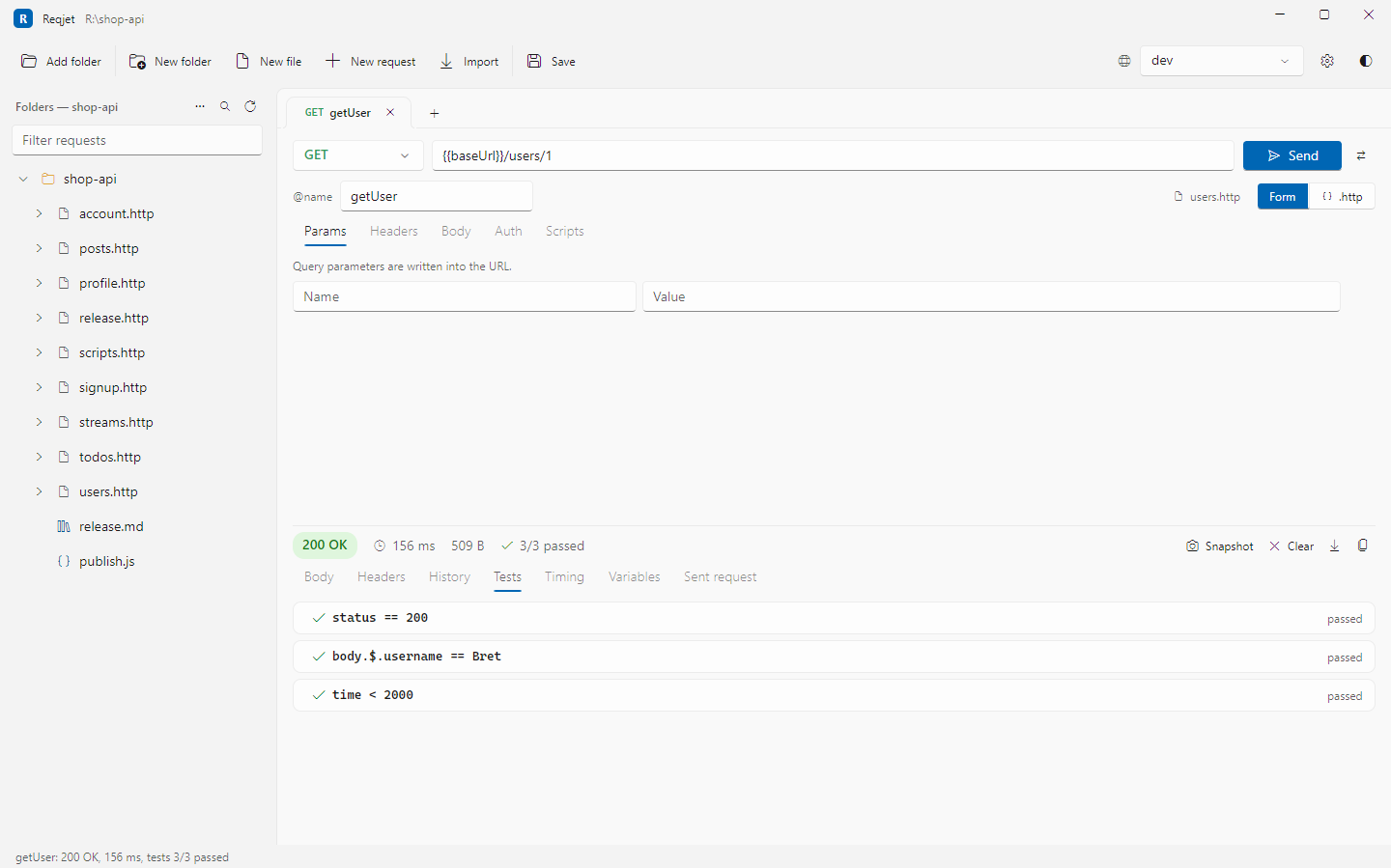
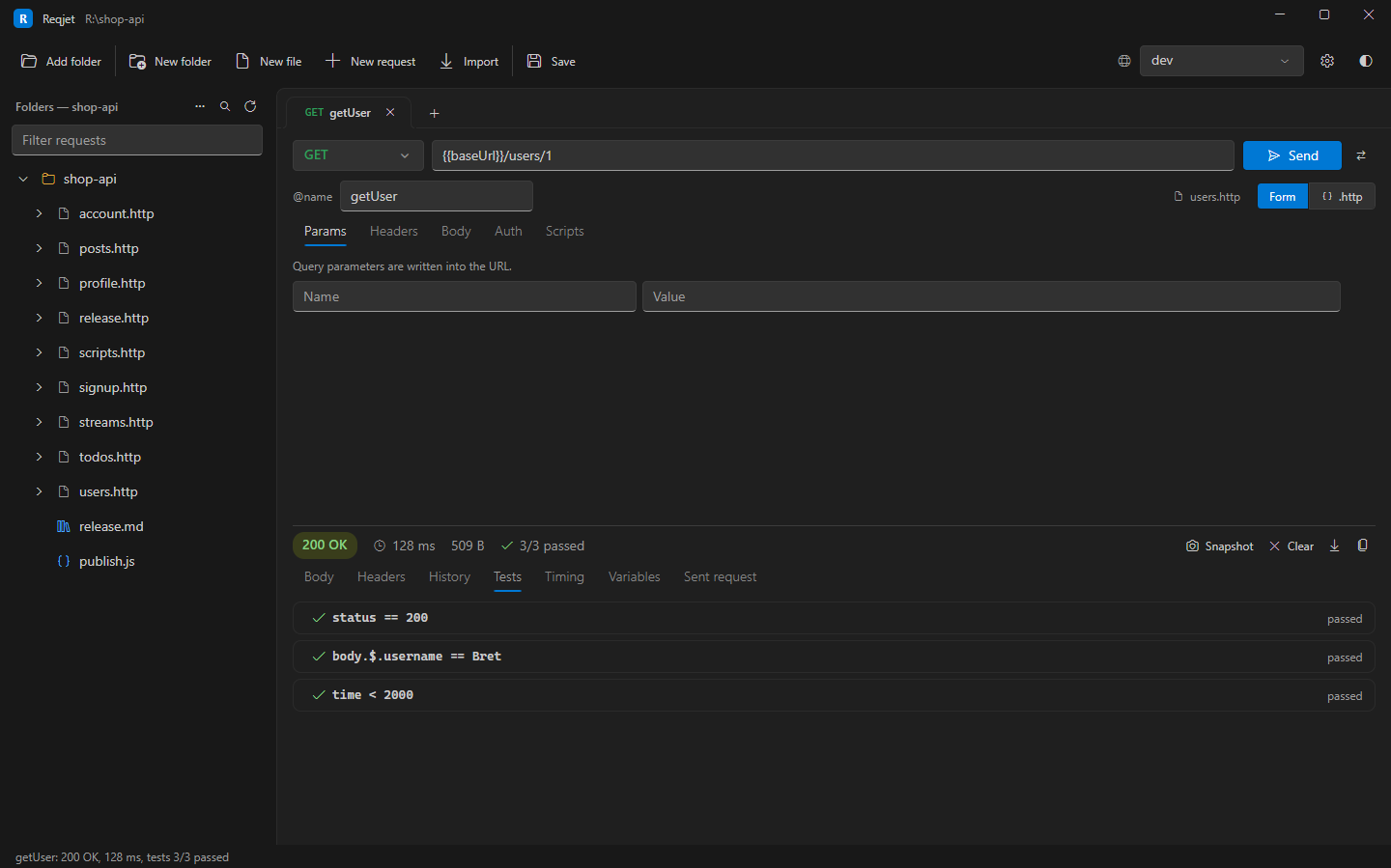
Section titled “Seeing the results”- The bar above a response sums the tests up, such as 2/2 passed, with a green ✓ when all passed and a red ✗ when any failed. A request without tests shows neither.
- The Tests tab lists each test by name. A failed one says why, such as “status was 404” or “Differs: $.price: 10 → 12”.
- A request that couldn’t be sent at all, for example because there was no connection, shows the error instead, and counts as failed in a run.
Where tests run
Section titled “Where tests run”Tests run however the request is sent:
- Send (Ctrl+Enter).
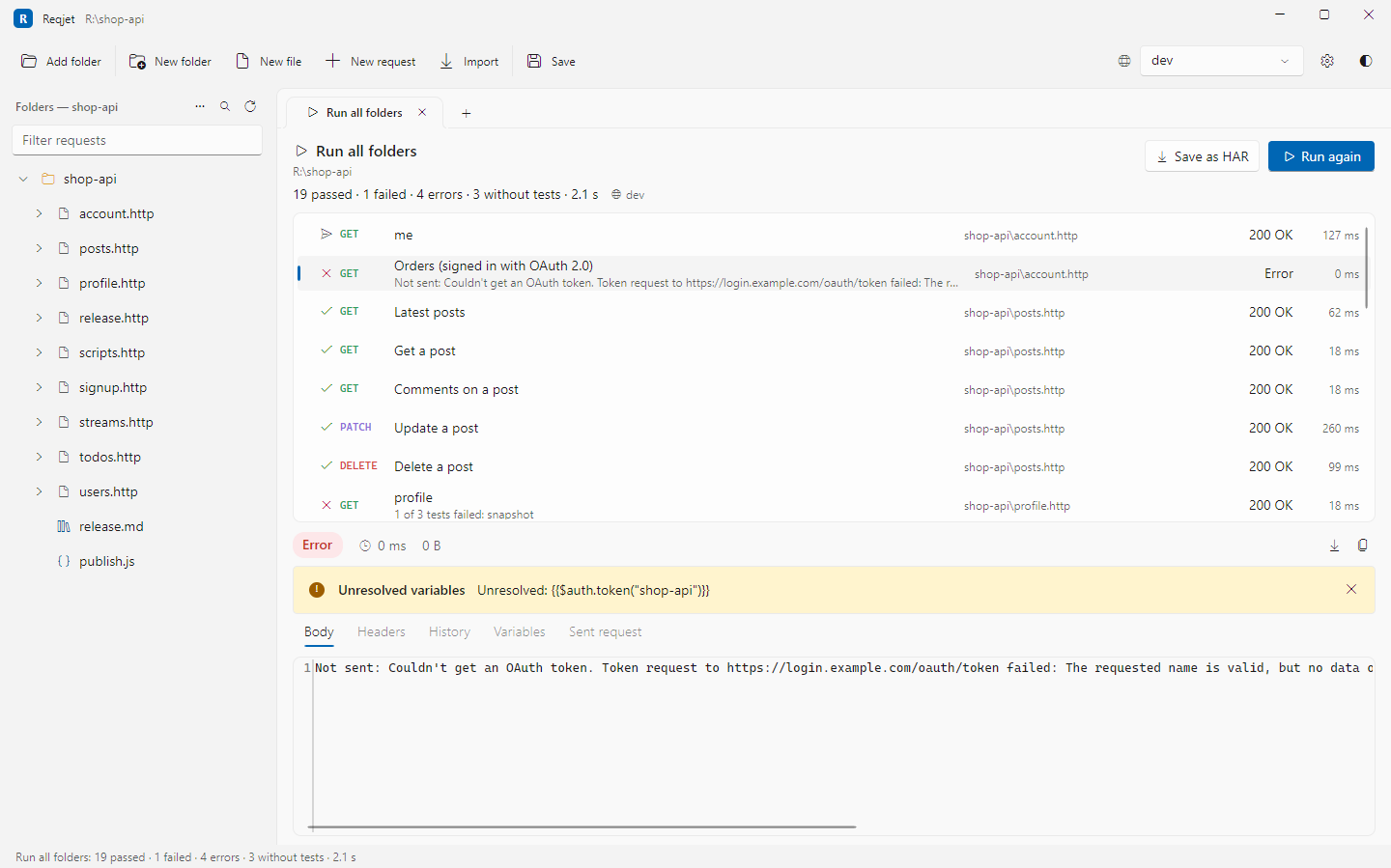
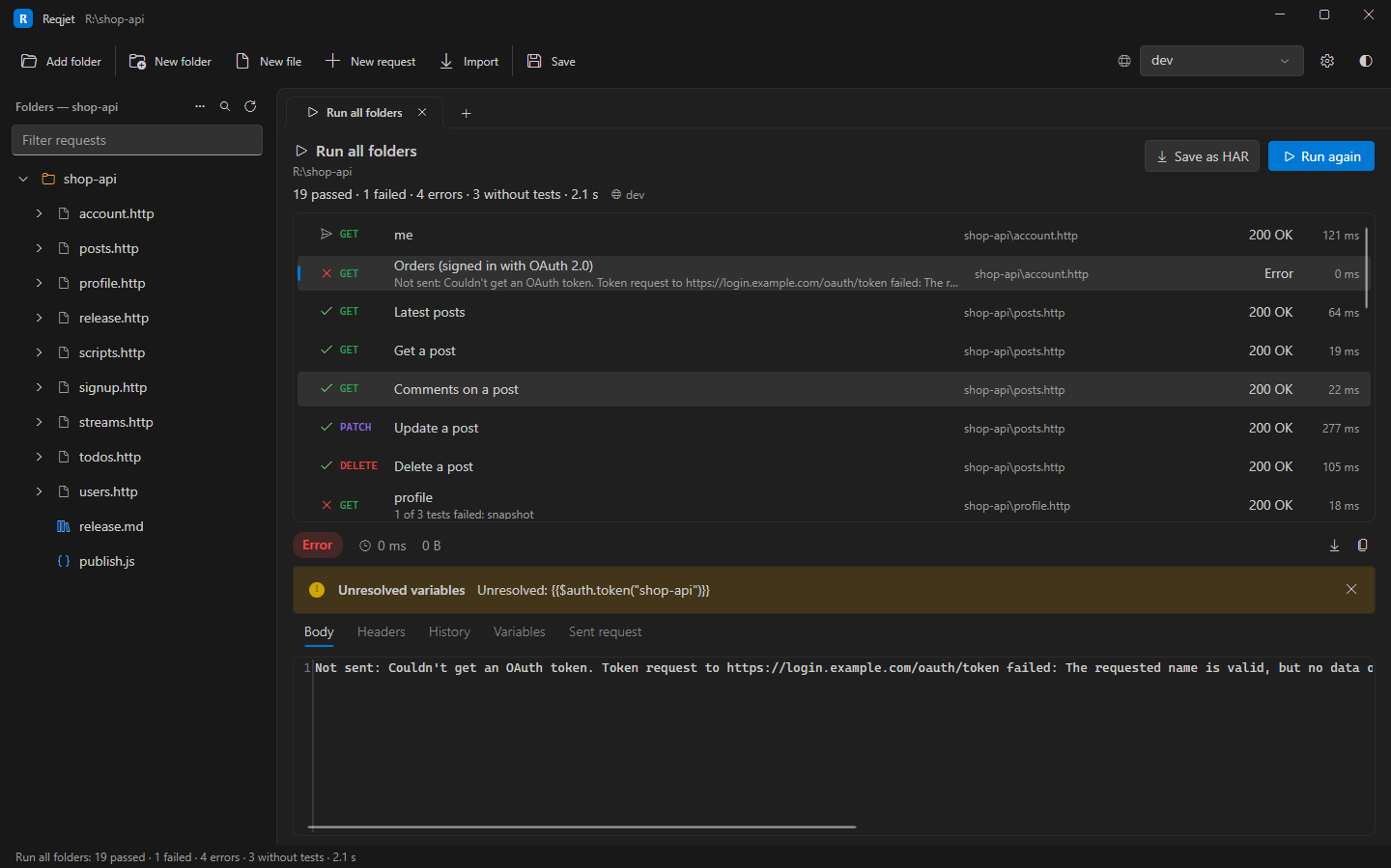
- Run all on a folder or file, which sends every request in tree order, in a Run tab with pass or fail for each. Save as HAR on a Run tab saves the whole run.
- Runbook steps and script files.
reqjet runon the command line, where a failed test fails the run and its exit code.--junitwrites a report that CI systems show as test results. See Command line.
So the checks you build up while exploring an API in the app become your CI tests, without writing them twice.