
Importing
Import, on the toolbar or by right-clicking a folder, brings requests in from elsewhere. Everything becomes
ordinary .http files and env files, so there’s nothing to keep in sync afterwards.
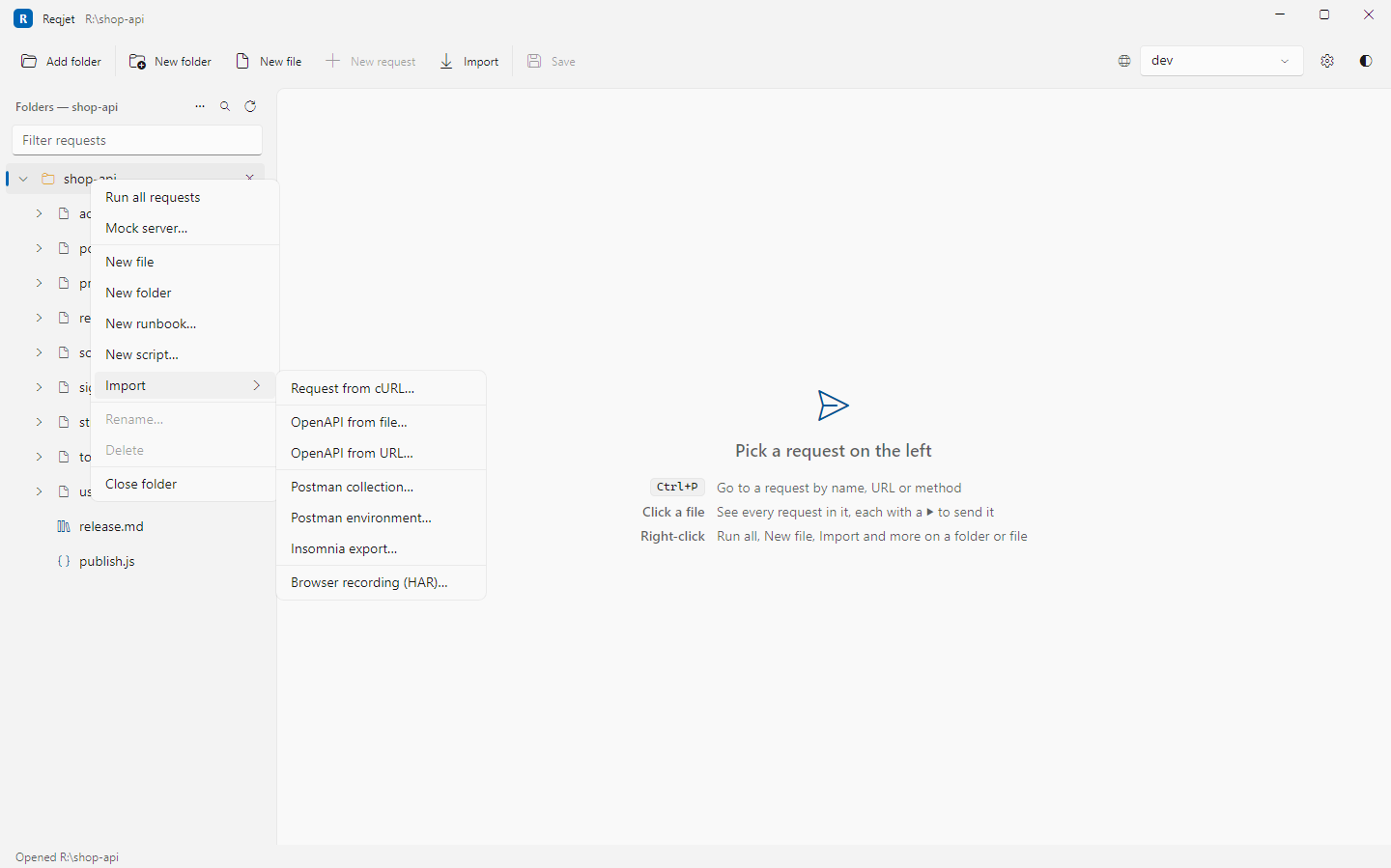
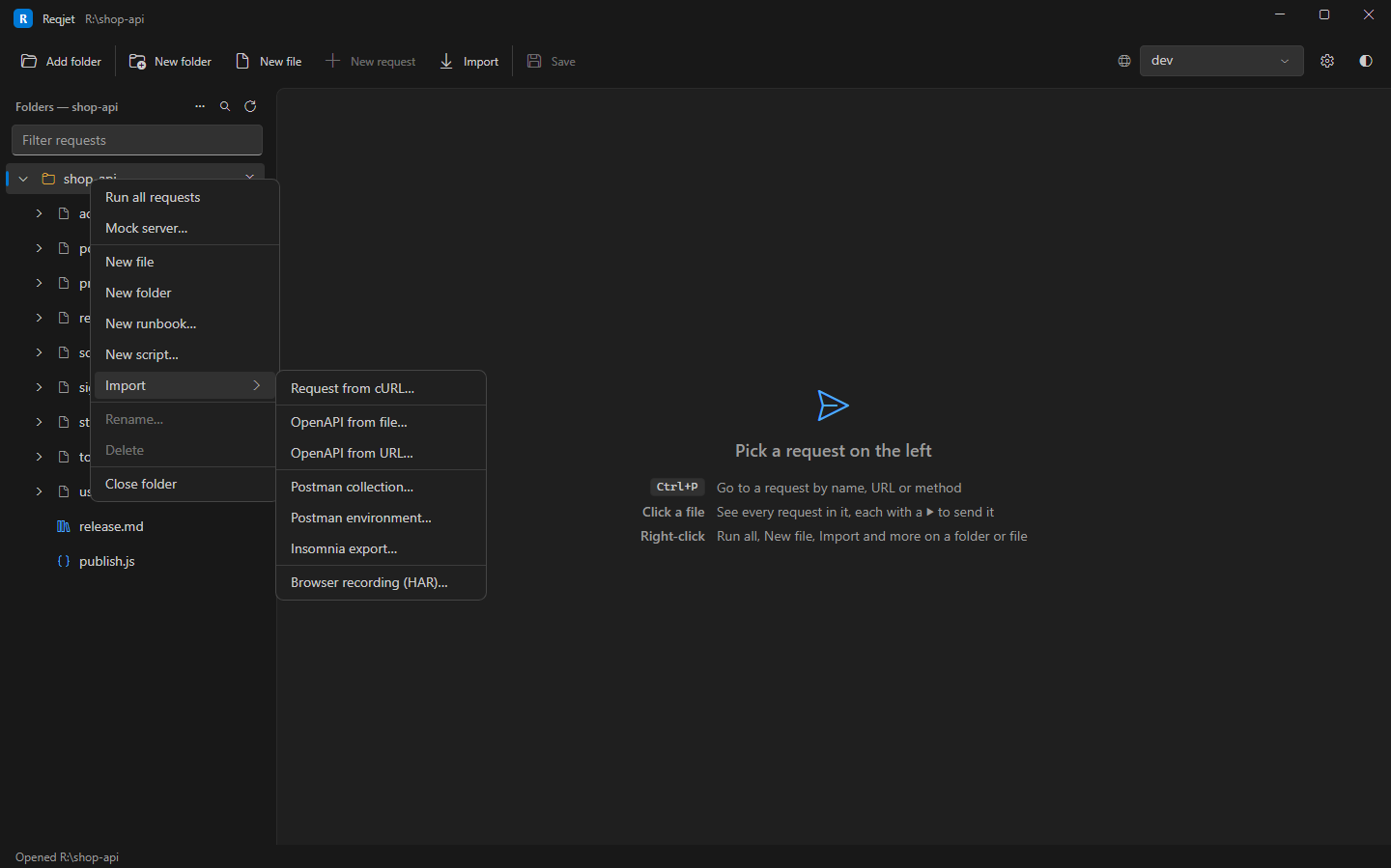
Request from cURL… adds a request from a pasted curl command, such as a browser’s Copy as cURL or an example from an API’s documentation.
OpenAPI
Section titled “OpenAPI”OpenAPI from file… or OpenAPI from URL… makes a request for each operation, with example bodies and parameters.
Postman
Section titled “Postman”Postman collection… turns a collection into folders of .http files. Postman environment… adds an
environment to http-client.env.json, with its secrets in the private file.
Scripts come across as they are, and run. Reqjet supports Postman’s script API: pm.test, pm.expect,
pm.response, pm.environment, pm.collectionVariables, pm.globals, pm.variables, pm.sendRequest, the older
tests[…] and postman.*, and CryptoJS hashes and HMACs.
- A request’s tests become its response handler (
> {% %}), and its pre-request script a< {% %}. - The collection’s and folders’ pre-request scripts go in a
.jsfile that runs before every request in the file (# @reqjet.pre-request). Their tests run before each request’s own, as in Postman. - Values a script sets with
pm.environment.setare kept for the session, not written to the env files. - The import lists anything a script uses that isn’t supported, such as
pm.request.headers.add,require()of Postman’s bundled libraries, andpm.vault.setNextRequestis ignored, as requests run in tree order.
Insomnia
Section titled “Insomnia”Insomnia export… reads exports from Insomnia 2020 to 9 (v4 JSON) and from Insomnia 10 on (v5 YAML), and lays them out the same way as Postman’s:
- The base environment becomes shared values, the others are named environments, and private ones go in the private file.
{{ _.baseUrl }}becomes{{baseUrl}}, and nested values become names such asapi_version.- Response tags become chaining, such as
{{login.response.body.$.token}}, anduuidandnowtags become{{$uuid}}and{{$isoTimestamp}}. Other tags are left as they are and listed. - Insomnia’s scripts use Postman’s API (as
insomnia.*), so they run as they are.
Browser recordings (HAR)
Section titled “Browser recordings (HAR)”Browser recording (HAR)… turns what a web app did into requests you can replay. In the browser’s developer tools, open the Network tab, use the app, then right-click and choose Save all as HAR.
A page load makes hundreds of requests, and you usually want a handful, so the recording opens in an Import tab first:
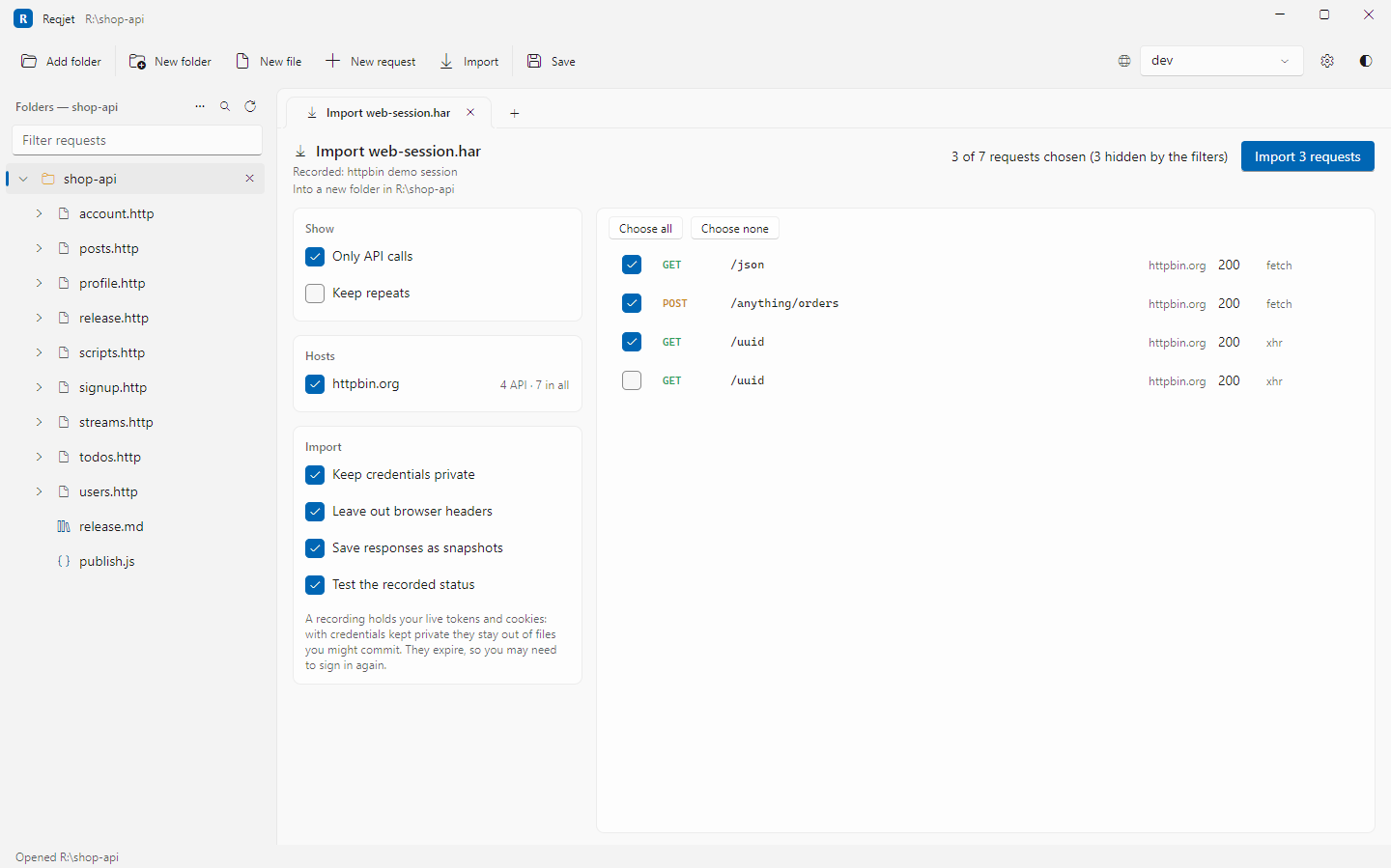
- Only API calls are listed by default (fetch and XHR, JSON), each once. Pages, scripts, styles, images, fonts and CORS preflights are left out. Untick hosts you don’t want, such as analytics and CDNs, and tick or untick single requests.
- One
.httpfile per host is written into a new folder, in the order the requests were made, with the host as{{baseUrl}}in an environment named “recorded”. - Credentials are kept private. A recording holds your live tokens and cookies, so
Authorization,Cookie, API key headers and token query parameters become{{variables}}in the private env file. Recorded tokens expire, so you may need to sign in again. - Browser-only headers (
sec-*,user-agent,accept-language,refererand so on) are left out. - Each request gets a test of its recorded status, and the recorded responses are saved as snapshots, so the mock server can answer with them straight away.
After importing
Section titled “After importing”When an import writes a private env file into a git repository that isn’t ignoring it, Reqjet offers to add it to
.gitignore.