
Assertions and snapshots
Both kinds of test are written into the .http file as directives, so they travel with the requests and run in CI as
well as in the app.
Assertions
Section titled “Assertions”An assertion checks one thing about a response:
### Get a pet# @reqjet.assert status == 200# @reqjet.assert time < 500# @reqjet.assert body.$.name == "Rex"# @reqjet.assert body.$.tags[*] exists# @reqjet.assert header.Content-Type contains jsonGET {{baseUrl}}/pets/7Adding one from a response
Section titled “Adding one from a response”You rarely need to type them:
- Right-click a value in a JSON response body and choose Assert
body.$.name == "Rex". The line is added to the request. Assert … exists only checks the value is there; objects and arrays always useexists. - Right-click the status to assert it.
- Copy path copies the value’s JSONPath instead, for example to use in chaining.
Writing one
Section titled “Writing one”# @reqjet.assert <subject> <operator> [value]
| Subject | Is |
|---|---|
status |
The status code, such as 200. |
time |
How long the response took, in milliseconds. |
size |
The body’s size in bytes. |
contentType |
The Content-Type, such as application/json. |
body |
The whole body, as text. |
body.$.path |
A value in a JSON body, by JSONPath: $.items[0].id, $.items[*].id, $['odd key']. |
header.Name |
A response header, such as header.Cache-Control. |
| Operators | |
|---|---|
| Comparing | ==, !=, <, <=, >, >= |
| Text | contains, not contains (or !contains), startsWith, endsWith, matches (a regular expression) |
| Presence | exists, not exists (or !exists) |
Quotes around the value are optional: == "Rex" and == Rex are the same. {{variables}} are filled in, as in
the request, so body.$.role == "{{role}}" compares with the current value of {{role}}. A variable with no value
stays as written, so the test fails.
Snapshots
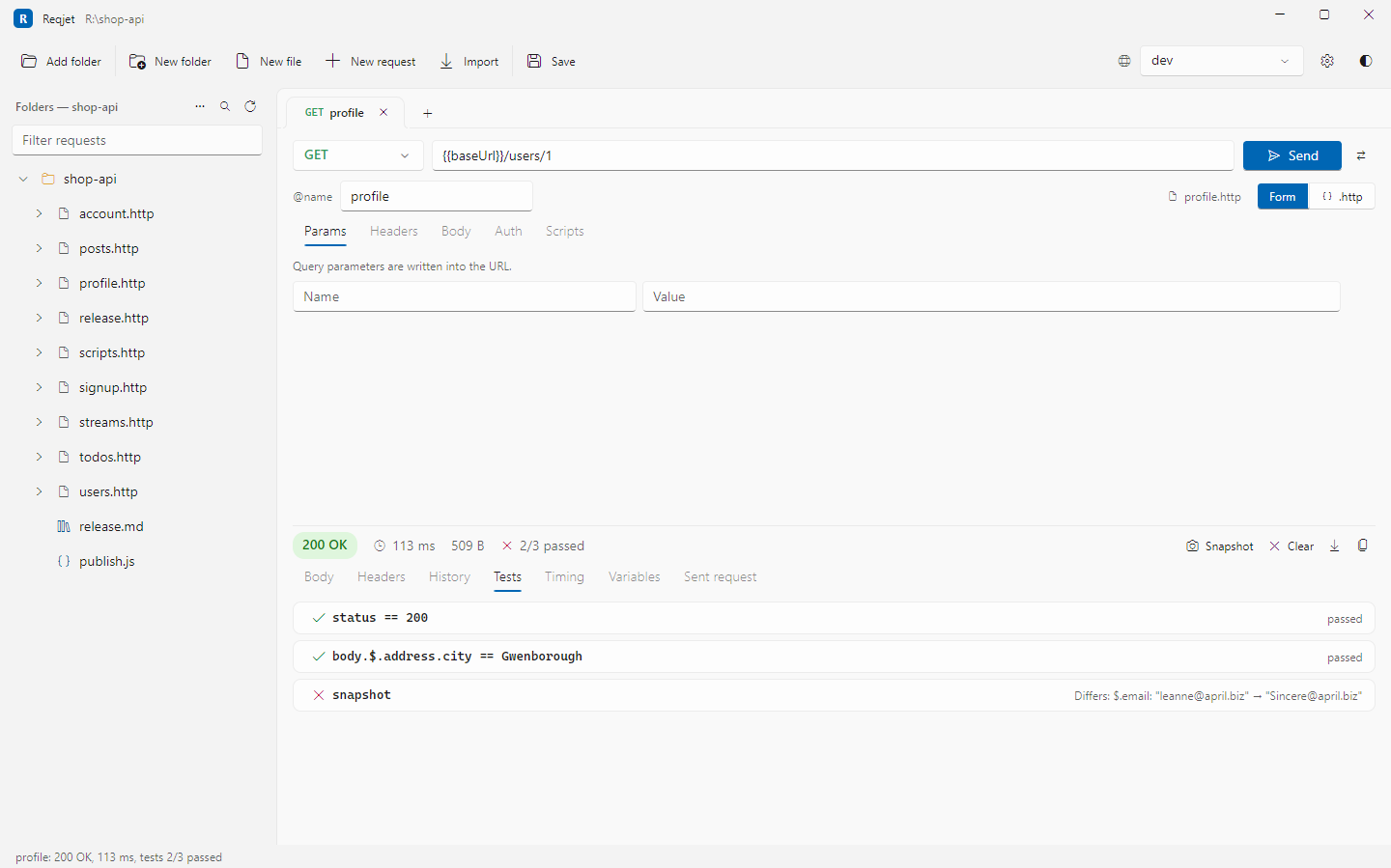
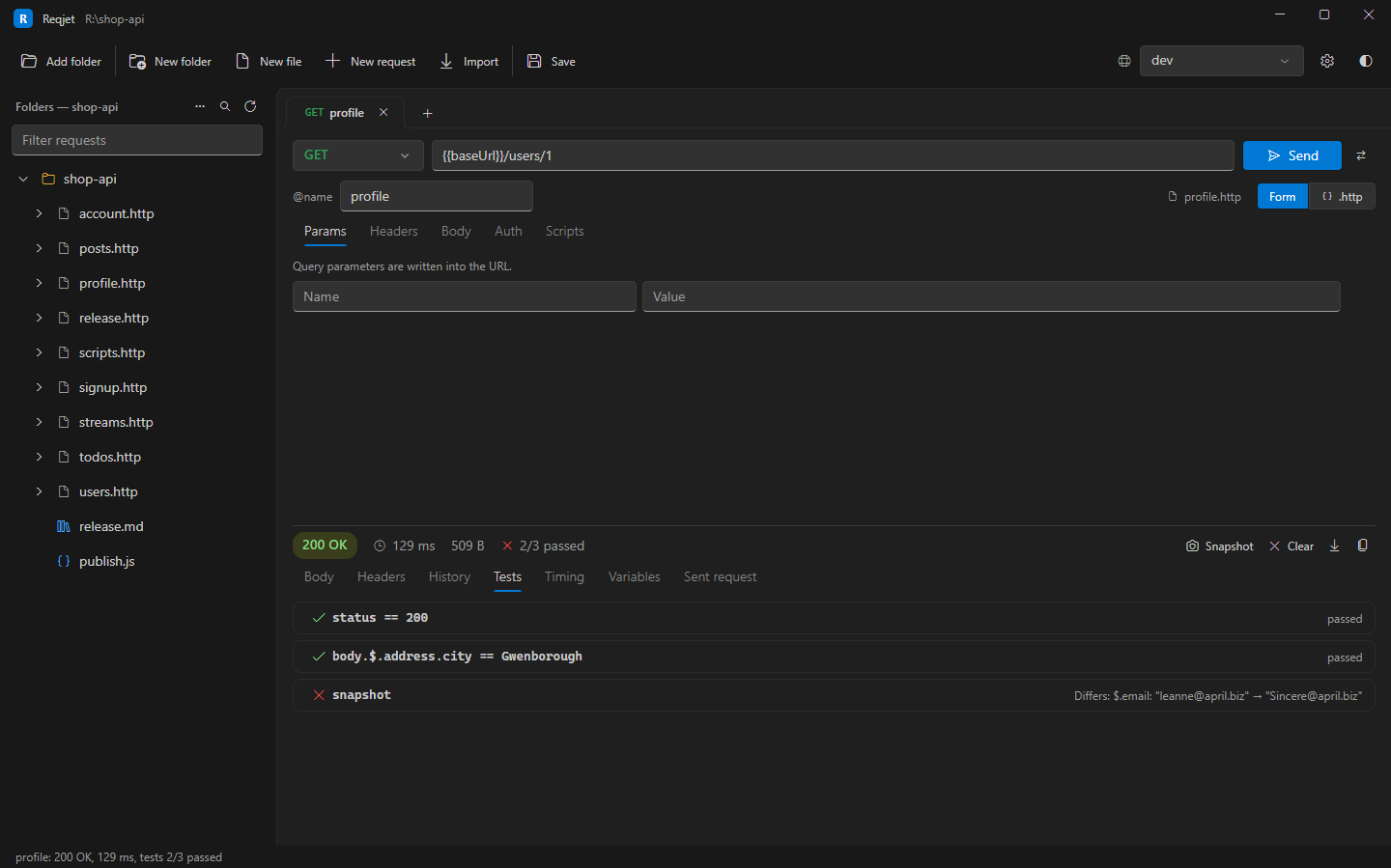
Section titled “Snapshots”A snapshot saves a whole response as the expected result, and every later send is compared with it. It’s the quickest way to protect an endpoint from accidental changes.
- Send the request, and check the response is right.
- Press Snapshot on the response. It saves the status and body, and adds
# @reqjet.snapshotto the request. - From then on, any difference is a failed test, such as “Differs: $.price: 10 → 12”.
When the API changes on purpose, press Snapshot again to accept the new response.
### Get a pet# @name pet# @reqjet.snapshot ignore $.updatedAt $.owners[*].lastSeenGET {{baseUrl}}/pets/7- Values that change on every call, such as timestamps and generated ids, would fail every time. List their
JSONPaths after
ignore.[*]matches any array index, and a path covers everything below it. - JSON is compared value by value, so formatting, key order and escaping don’t count. Other bodies are compared as text. Headers aren’t part of a snapshot.
- Snapshots are saved next to the file: the ones for
api.httpare in__snapshots__/api.http.snap.json, keyed by each request’s# @name, or its title when it has no name. Commit them with the.httpfile. The__snapshots__folder is hidden in the tree.
New snapshots in the app and in CI
Section titled “New snapshots in the app and in CI”- In the app, a request’s first send saves its snapshot.
reqjet runfails on a missing snapshot instead, so a new snapshot is always a deliberate change. Pass--update-snapshotsto save every response as the new snapshot.
Clearing a request’s results
Section titled “Clearing a request’s results”Clear, next to Snapshot, removes a request’s last response and its history, to start again. Snapshots and the
.http file stay as they are.